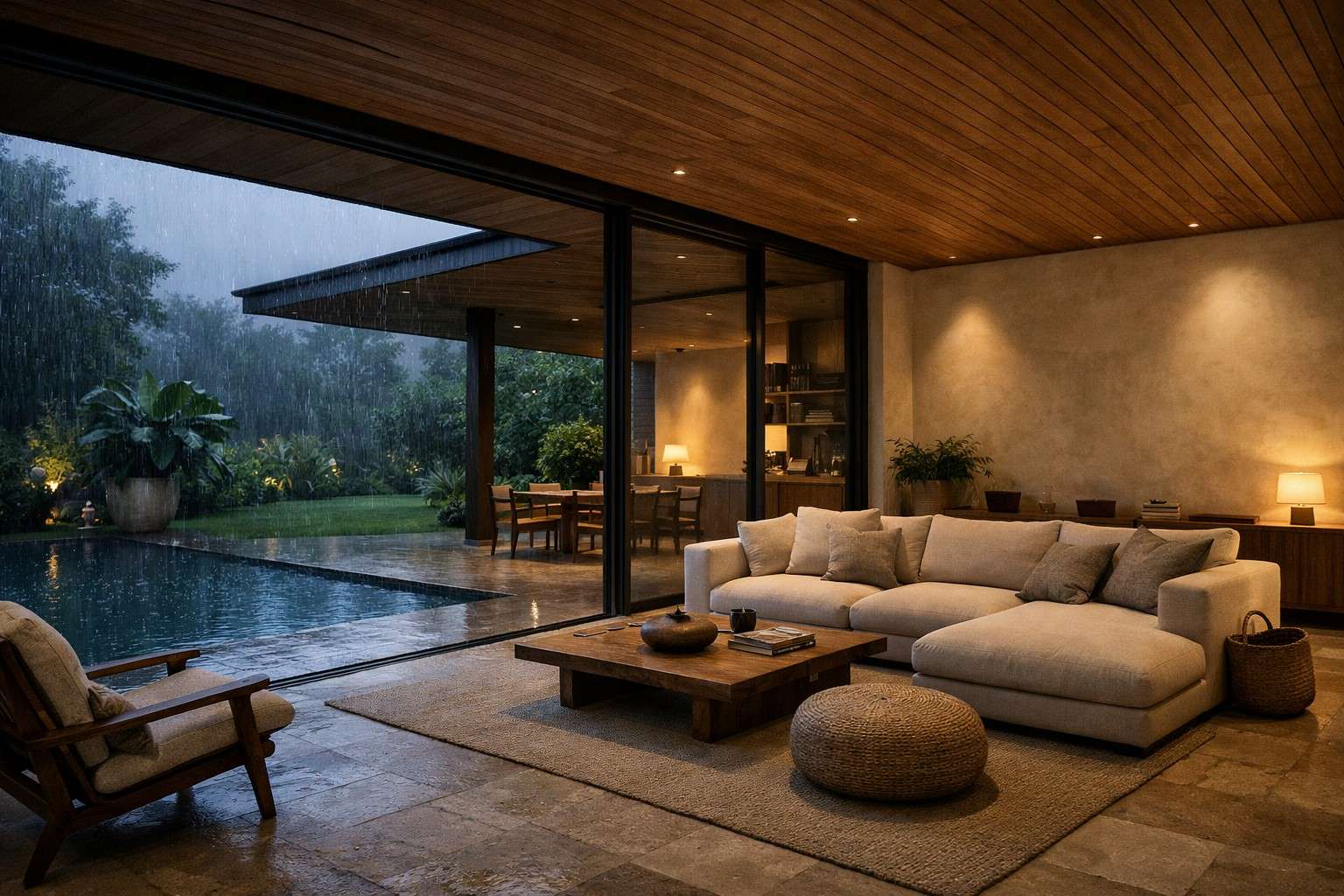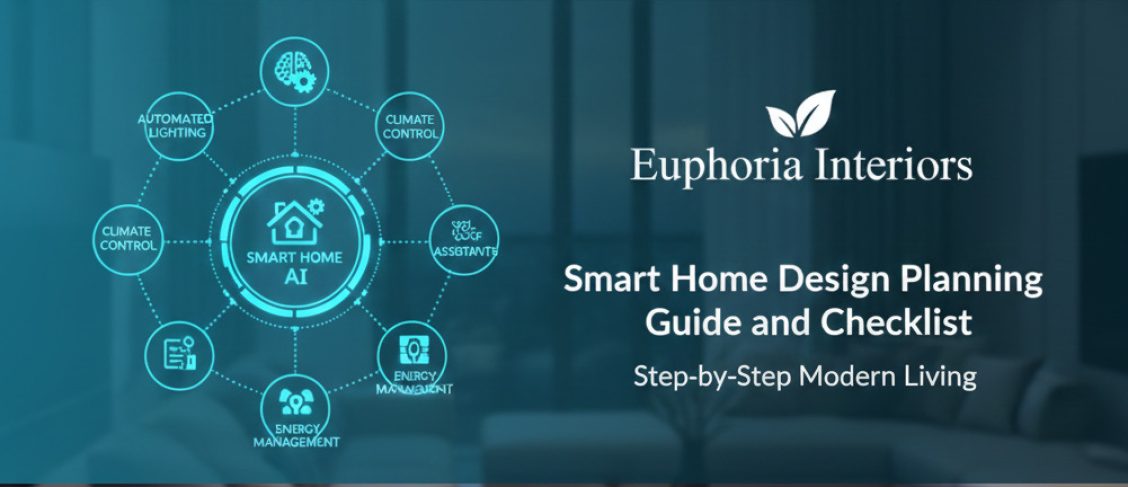
A smart home design should not complicate your life but, rather, simplify it. The trick here is to think properly, and then you can begin the process of purchasing devices and digging holes in the walls. When properly used, intelligent technology assimilates into your home so well that you barely even realize it is integrated into your home. It just happens whenever and however you need it.
Smart Home Design Coordination with Carpentry, MEP, and Lighting Teams
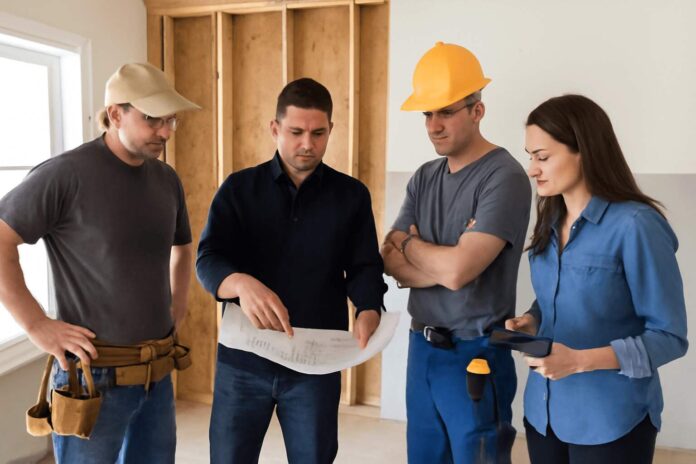
You need to have a meeting with your carpenter, electrician, plumber, and lighting designer before you purchase a single smart appliance. Before such teams begin their work, you have to provide them with the information about your smart home plans. Whether you are fitting out a high-tech office in Business Bay, Dubai, UAE, or a luxury villa, early planning is key.
It is not to be left till walls are closed and furniture fitted in. Proper coordination in the early stages will see to it that wiring is ready at the appropriate locations. There are any smart switches that can fit on panels and tech equipment compartments in cabinetry.This level of detail is a hallmark of a premier commercial interior design service in Dubai, where efficiency and aesthetics must coexist.This level of detail is a hallmark of a premier fit out company in Dubai, where efficiency and aesthetics must coexist.
Some of the most important factors in this step are the installation of flexible conduits in your infrastructure. smart home design technologies are constantly changing, and new devices and functionality are being developed. Flexible conduits enable you to install, upscale or change wiring felt free of ripping and disturbing the finished walls or levels.
Such a progressive direction will support future extensions and integrations of technologies, putting it pragmatically and economically within reach to expand your smart home setup as your needs grow, or a new solution with a better fit is developed.
Attempting to install intelligent systems post-construction would imply leading to walls being ripped open. You will see run wires or will have to get by with the bad placement of devices. The electrician must be aware of where sensors and switches are to be.
Your carpenter must think about storage and charging stations for tech. Your lighting designer must be informed of which lights to automate. It will create an impression of something that was planned rather than an improvised opening when everyone collaborates at the very start.
Energy & Sufficiency
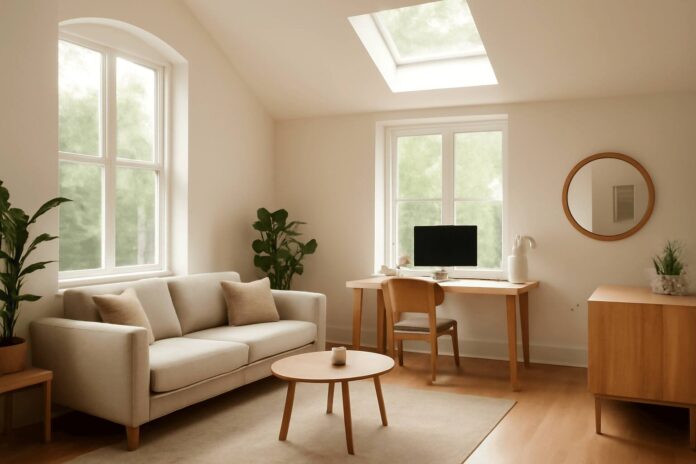
Good design begins with the minimization of your artificial lighting requirements and not their automation. Arrange your windows, skylights, and room designs so as to maximize natural daylight. Natural light will make you feel better, save energy, and make your spaces look bigger. Reflective walls and surfaces will bounce daylight deeper into rooms, using light-colored walls to achieve this. Place work areas and reading positions at the vicinity to the windows as possible.
In family-centric communities like The Greens, maximizing light can transform apartment living into an airy, vibrant sanctuary. Install automatic shading units and light and temperature sensors to maximize the natural light, avoid glare and heat loss. On sunny days, closure can dim the system partially to minimize cooling loads but during the winter months the system can open to allow passive solar heating.
After making the best use of natural light by smart design, add automation to make life easy. Your well-designed space should be augmented with smart lighting and not because of inappropriate planning. This method will reduce your power expenses by a large margin. It also makes environments conducive to the health of people.
Smart Home Tech Ideas
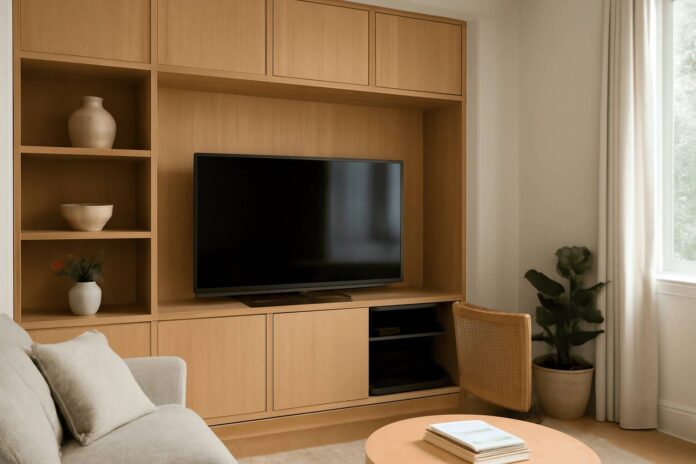
Technology is ideal when you do not necessarily need to stare at it all the time. Routers, charged stations, rat-webs, and wires all contribute to the destruction of the most loveliest interior. Request your carpenter to make customized cabinetry that has secret compartments for technology equipment. Such areas should be well ventilated so that they are not overheated. Insert perforated backs or little fans.This is particularly popular in large estates like Arabian Ranches, where homeowners use lighting scenes to shift a grand living room from a bright family space to a cozy evening retreat at the touch of a button.
Critically, design these technology compartments in a panel of modular access instead of permanently fixed joiners. Technology may need to be maintained regularly, equipped with a new firmware and occasionally troubleshooted. The use of panels made up of surfaces enables quick and non-destructive access to equipment without any tearing up or rework of complete parts of cabinetry.
This is a real life practice that is time and money saving and keeps your tech in fully operating condition. Entertainment systems can be installed in media units, but all the cables and devices to be connected can be hidden. Another option for concealing is wall paneling. Routers and hubs can be hidden behind ornamental panels through which WiFi will be able to go. The aim is to maintain technology as a means of operation and maintenance. Don’t show it in the day-to-day world.
Smart Home Design Ideas: Lighting Scenes
Turning on and off switches are generic, and they are not worthy of the contemporary lighting options. Smart scenes allow you to use the same room in a variety of ways by changing it according to your needs. Install low-key, cozy lights in the living room when having a movie or a lazy night out. Install cool task lighting in kitchens so as to assist in preparing and cooking meals.
Install accent lighting in works of art, architecture, or bookshelves. This creates the point of uniqueness within your space. Have these scenes programmed in such a way that they can easily be activated at the push of a voice button, a switch on the wall, or autonomously. The correct lighting scene produces an immediate transformation in the way a room feels. It renders spaces more valuable and pleasant.
Cohesive Device Tones
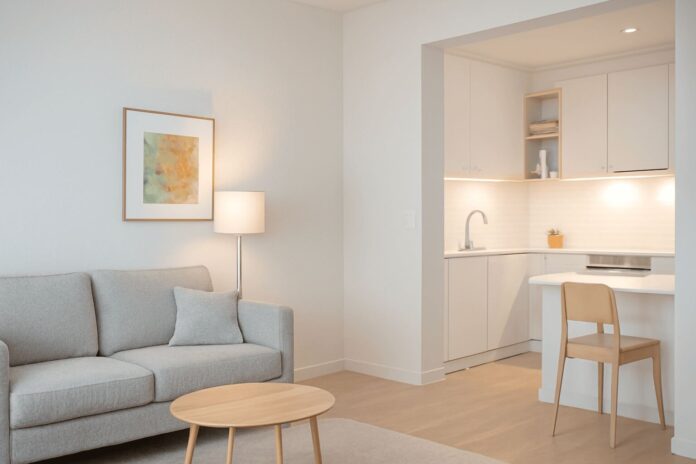
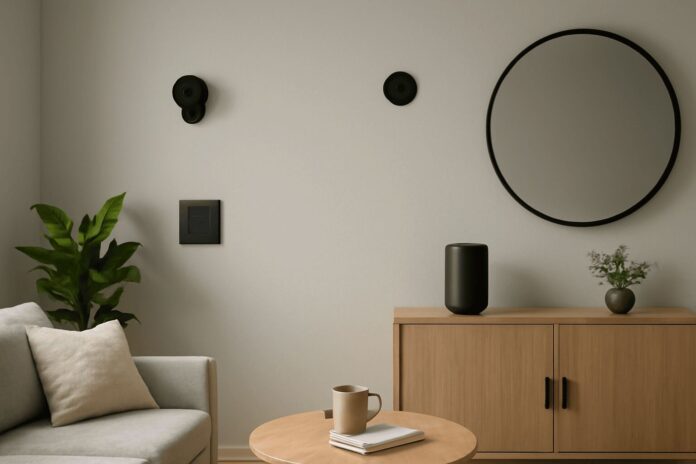
Camera and switches, speakers, sensors and switches, are visible components of your decor. The random colours used in selecting devices make the devices to have visual clutter. Select a common tone of all the devices. Select black, white, or neutral colours which would go well with your general color scheme. Black equipment is not clearly visible on dark walls or furniture. White is lost in light and minimal areas.
This little move causes a shock to the appearance of your smart home design ideas. In addition to colour matching, make sure that your smart devices have matte finishes as opposed to glossy or metallic. Matte finishes are very effective in glare minimization and consequently minimize the absorption of heat as well as light reflection.
This helps to make energy consumption more sustainable as it helps to minimize cooling needs and provide more comfortable visual stimuli. Also, do not paint devices and fixtures overly with metals, which radiate and trap heat and add thermal load and energy use to your space. Technology does not contend with the design but becomes a component of the design.
Fluted Panels Behind Smart Home Design Devices
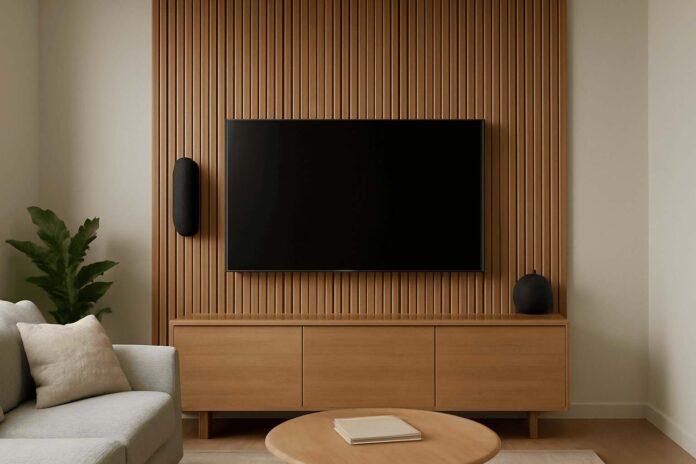
When smart TVs and speakers are mounted directly on plain walls, they can look scruffy and industrial. These devices have been softened by wood or some fluted panels. These walls have two purposes. They give technology a more organic look, besides enhancing acoustics. These sounds are not reflected as the texture disrupts the echo. Fluted panels are also ideal in hiding the wiring.
You can also do this by running cables below the textured surface and this gives a smooth clean appearance without having the cords hanging down the wall. It is also a concealment method that ensures that all wiring is arranged and maintained accessible in the future (at least should some maintenance or upgrades be required), just peel it out when required, and then re-place it without leaving any trace of the alteration.
Select the panel finishes that match your furniture pieces and general design style. Natural wood adds warmth. Fluted painted panels may be kept to any kind of colour scheme.
Furniture-Integrated Charging Points
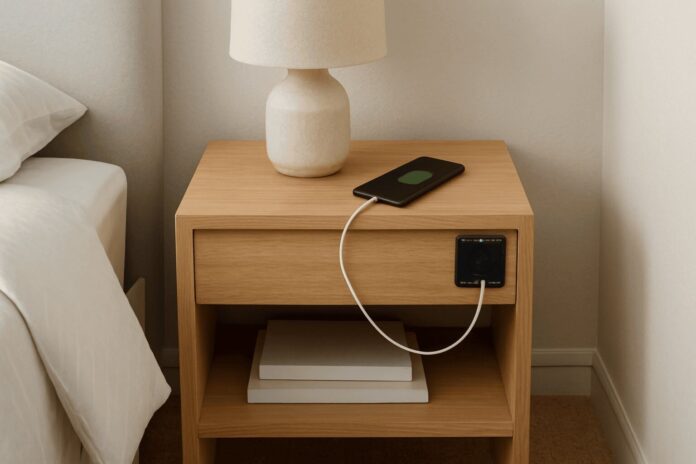
Nightstands and countertops are always full of charging cables, and this is an eyesore. The solution to this issue is to install the charging points right into the furniture beautifully. Request your carpenter to install USB ports and power outlets in the interior side tables, nightstands, and console units. The devices have the capability of charging during the day or during the night.
Keep a very tidy look by using cable tracks or cable channels beneath desks, consoles or any piece containing an inbuilt power outlet. These management systems ensure that the cables are well bundled and stored away without any exposure. This point has to be addressed to your joinery team in the initial design stage because the tracks should be incorporated as part of the furniture structure and not as an after-thought.
The strategy involves the establishment of special charging points that leave surfaces clean. It comes in handy, especially in a bedroom and a living room where several devices should be charged on a regular basis.
Smart Home Design Lighting & Curtains
The most notable smart home design ideas automations organize various systems simultaneously. Scenes that change the lighting and the curtain designs in unison will give a smooth flow throughout your day. Morning scenes may also gradually brighten the lights and may open curtains slowly. Scene reading could be used to suspend curtains to separate glare with focused task lighting.
Overhead lights might be dimmed and warm accents lighting added with some curtains closing in the evening to create a sense of atmosphere in some of the entertaining scenes. These are some of the lighting design ideas that make your experience at home different.
Install automated curtain systems by putting the motors inside the curtain pelmet or box assuming that they are entirely concealed and recessed in the interior. Uncovered motors are aesthetically displeasing and they may not produce desired noise.
An understated installation keeps your space in the clean aesthetic a visibly clean piece where the motor mechanism is easily serviced as required through the service opening of the pellet. It is not simply putting the lights on and off. You are directing certain environments and moods that will assist in anything you are doing. Automate these scenes and have them program to go off at designated times, or use a few voice cues to do so.
Final Thoughts
The most optimal smart home design ideas are the ones that you do not even have to think about. It reads your minds and becomes invisible when you do not require them. It simplifies daily life in tens of million different small aspects.
Be strategic at the very beginning. Make some coordination with your design team and specialize in automation that actually enhances your lifestyle.
Smart Home Design Planning Checklist
Before You Start:
- Meeting with a carpenter, electrician and lighting designer.
- Select an ecosystem of smart home (Apple, Google, or Alexa).
- Check WiFi connectivity on the rooms.
- Fixed budget with devices, installation and subscriptions.
- Choose the color of your gadgets that fit your style.
Design Phase:
- Find optimum use of natural lighting through appropriate placing of windows.
- Cabinetry Plan hidden routers and hub compartments.
- Charge ports in design furniture.
- Install television and speakers on walls.
- Place mark points where smart switches and sensors are to be placed.
Installation Phase:
- Begin with a priority room or two.
- Name everything in your application.
- configure lighting of various activities.
- Produce multi lighting and curtain scenes.
- Finally test the whole system before completing the work.
- Test all automations, scenes and connection of the device.
- Test automations prior to expansion.
- All the manual switches should be maintained.
After Installation:
- Train the home residents on simple controls.
- Check what you in fact use after five weeks.
- Unhelpful automations should be removed.
- Install new devices and applications.
- Give selected different scenes to the fluctuating routines.